How-to
UniStream as a PanelView replacement on an SLC 5/05 network
Short answer
A UniStream panel can replace your PanelViews on an SLC 5/05 Ethernet network while the PLC program and I/O stay untouched, but only through a documented SLC Ethernet driver in the panel's engineering software or a verified Modbus gateway. Prove the path with a single-address read test before rebuilding screens.
On this page
- Can a UniStream panel talk to an SLC 5/05 over Ethernet at all?
- Does the SLC 5/05 have native Modbus on its Ethernet port?
- How do I check the driver before buying panels or rebuilding screens?
- Why doesn't a working Ethernet link prove the HMI can read the data?
- How do I prove one address reads correctly before migrating screens?
- What does a Modbus gateway add to the SLC cabinet?
- Which replacement path should I choose?
- Questions asked
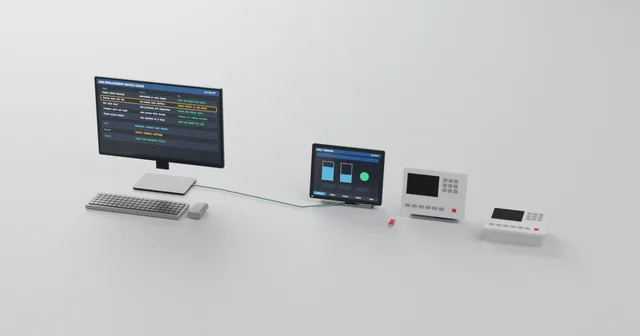
Swapping UniStream panels in for PanelViews on an SLC 5/05 Ethernet network is possible two ways, and an Ethernet patch cable is not one of them. The 5/05 does not serve Modbus TCP on its Ethernet port; it speaks the Allen-Bradley controller protocol your PanelViews and Wonderware clients already use. The swap works only if the UniStream engineering software documents an explicit Allen-Bradley SLC Ethernet driver, or if you add a verified protocol gateway that maps SLC data files to Modbus registers. Both paths keep the PLC program and I/O intact. Prove the path with a single-address read test before you buy panels or rebuild screens — the steps below settle the question with a yes or a no.
Can a UniStream panel talk to an SLC 5/05 over Ethernet at all? #
Yes, through two paths only: the UniStream engineering software must document an explicit Allen-Bradley SLC driver over Ethernet for the 5/05, or a verified protocol gateway must translate between the panel and the controller — an Ethernet cable by itself decides nothing. Everything else in the migration follows from which path exists.
The direct path needs no controller work: the panel connects to the same switch the PanelViews use and reads the same data files, so the ladder, the I/O and the network layout stay as they are. The gateway path adds hardware in the cabinet and a mapping you must document and test, but it still leaves the program untouched if the gateway's configuration lives in the module rather than in ladder rungs. If neither path exists, the answer to the original question is no for this platform, and you pick different HMI hardware or revise the project scope.
Does the SLC 5/05 have native Modbus on its Ethernet port? #
No — the 5/05's Ethernet port speaks the Allen-Bradley controller protocol that its programming software and PanelViews use, not Modbus TCP, and the only Modbus support Rockwell documents for these processors is Modbus RTU master capability on the CH0 serial port with operating system version 8.1 or greater. Selecting Modbus on the panel side alone will not make the controller answer.
Note the two limits in that documented capability: it is serial, not Ethernet, and it is master, meaning the controller initiates Modbus transactions rather than serving them to an HMI that polls. So the serial Modbus feature does not solve the driver question for your network either. If a candidate replacement platform has no SLC Ethernet driver, the realistic serial fallback is the DH-485 route described in How to Connect an HMI to an SLC 500 Over DH-485 Serial, not Modbus over the existing Ethernet cable.
How do I check the driver before buying panels or rebuilding screens? #
Open the communication-driver list in the UniStream engineering software and look for a line that names Allen-Bradley SLC controllers and Ethernet explicitly; a driver for a different Allen-Bradley family, or a generic protocol name, does not establish the connection you need. The same discipline applies to any replacement platform, as Checking HMI engineering software before a panel replacement lays out step by step.
Read the driver's own description, not just its heading. Confirm four things: the addressing style (SLC data files such as integer and float files, not another controller's symbolic tags), the data types it reads and writes, and that both read and write functions are supported if your panels issue commands. Match those against the addresses the existing PanelView application actually uses. If the description is ambiguous, ask the vendor's official support channel for a written confirmation that names the exact panel model, software release, controller family and connection method. A verbal yes is not a driver.
Why doesn't a working Ethernet link prove the HMI can read the data? #
A link light and a successful ping prove the network layer only; reading live values requires both endpoints to agree on the controller-service requests, the address format and the data representation, and the 5/05 answers only in its own protocol. This is the trap that costs the most time: the panel reaches the network, everything looks connected, and the screens stay at zero.
Each failure stage has its own next check:
| What you see | What to investigate | Next check |
|---|---|---|
| No Ethernet link on the panel | Cable, switch port or power | Check the link indicator and swap the patch cable |
| Panel reachable but reads fail | Wrong controller selection or invalid address syntax | Read the panel's driver diagnostics and test one existing data address |
| Values update but display wrong | Data type, scaling or word-order mismatch | Compare the raw controller value with the panel's interpretation |
| Reads work, commands fail | Write configuration or handshake mismatch | Compare the old PanelView command sequence with the new write setup |
Work down that table in order. Changing switches or reassigning addresses repeatedly wastes hours when the missing component is the controller driver — use network checks to establish reachability, then move to application-level diagnostics.
How do I prove one address reads correctly before migrating screens? #
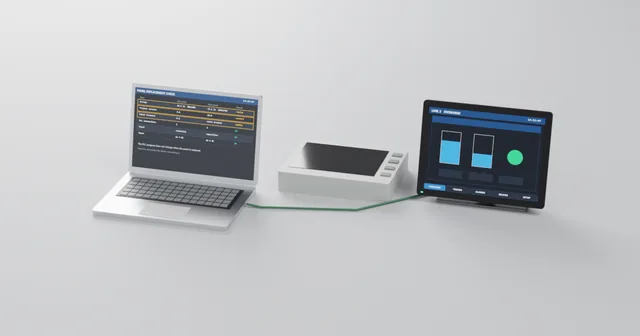
Before you rebuild a single screen, configure the panel with its own address on the controller's subnet and read one noncritical status value from an existing data file, comparing the panel display against the online value in the programming software. Keep the existing PanelViews connected and usable until this test passes.
- Back up everything first. Upload and store the SLC program — the procedure in Back up an SLC 500 program by upload before you lose it — and archive the existing PanelView application as described in Reading an old HMI program before panel replacement.
- Pick one noncritical status value you can watch independently, for example an integer address such as N7:0, and record its data type.
- Give the panel its own address on the controller's subnet. Worked example: panel at 192.168.1.50 with mask 255.255.255.0 gives 192.168.1.50 AND 255.255.255.0 = 192.168.1.0; the 5/05 at 192.168.1.10 with the same mask also lands in 192.168.1.0, so a direct switch connection works. A 5/05 at 10.1.2.10 would land in 10.1.2.0, so move the panel onto the controller's subnet rather than fight routing.
- Configure the panel with the documented SLC driver and connection settings — controller address, protocol selection and data-file addressing as the driver description specifies.
- Build one read-only numeric display bound to that exact address and data type. Nothing else on the screen.
- Change the value at the controller: write 47 to N7:0, for example, and watch both the programming software and the panel.
- Confirm the panel shows 47 after its next refresh cycle. A value that tracks through several changes proves the driver, the addressing and the data type together.
- If it fails, read the panel's communication diagnostics and separate the three failures: connection refused, address rejected, value misinterpreted. Fix one at a time.
- Extend the test to every data type the application uses — float values and individual bits before you commit to the platform.
A pass here is the green light for screen development. A network reachability test alone is not a pass.
What does a Modbus gateway add to the SLC cabinet? #
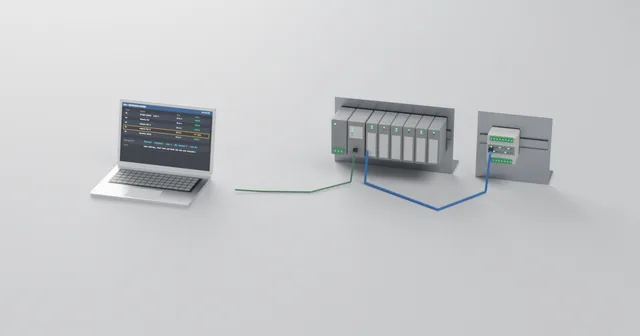
A gateway module for the SLC backplane occupies one chassis slot — the 3150-type Modbus Master/Slave Communication Module cited for this controller family draws 5 V at 0.15 A and 24 V at 0.040 A from the backplane — and maps SLC data files to Modbus registers the panel can read as a client. The mapping lives in the module's own configuration, not in Modbus routing: this is a device with a configured register list, so you define each register's source address and data type yourself.
Before selecting the module, list every value, command bit, data type and update rate the old panels served, then verify four things: controller compatibility for your 5/05 chassis and slot, that the configuration needs no ladder rungs, how the module reports a lost controller link, and how the panel displays data quality when that happens. A gateway must never leave the operator looking at stale values as though they were live. How to plan a Modbus panel against an existing controller is covered in Selecting a Modbus TCP HMI Panel for an Existing Controller.
Keep every operator stop and start command off the new panels until the write mapping and the communication-loss behavior are proven on an isolated bench with test tags; the machine's hardwired safety functions stay hardwired regardless of what any screen does.
Which replacement path should I choose? #
Direct driver confirmed: rebuild the application against the existing SLC addresses and keep the PLC program unchanged while you validate the replacement screens. Direct driver missing but a verified gateway exists: build and document the register mapping, then test reads, writes and communication-loss behavior before connecting operator commands. Neither path meets the unchanged-program requirement: select a different HMI platform with documented SLC Ethernet support, or formally revise the project scope to allow controller changes.
A PC-based route is a fourth option — the same driver check decides it, and How to Prove a PC-Based HMI Before Replacing Panel Terminals walks through the acceptance steps. When the decision lands there, the machine-side hardware is one of the industrial panel PCs running the HMI runtime instead of a proprietary terminal.
Whichever path passes, remember that keeping the PLC intact does not migrate the PanelView application by itself: screen navigation, alarms, scaling, security and button behavior all need rebuilding and testing on the new platform against the same live controller.
Questions asked
Does the SLC 5/05 support Modbus TCP out of the box?
No. Its Ethernet port speaks the Allen-Bradley controller protocol that its programming software and PanelViews use. The Modbus support Rockwell documents for SLC 5/03, 5/04 and 5/05 processors is Modbus RTU on the CH0 serial port, in the master role, on operating system version 8.1 or greater. Serving a Modbus TCP client over Ethernet requires added gateway hardware.
Can the swap be done without touching the SLC program?
With the direct-driver path, yes: the panel reads the same data files the PanelViews did and the ladder stays untouched. With a backplane gateway, the register mapping usually lives in the module's own configuration, but confirm before you buy whether that configuration needs ladder rungs, because any program edit breaks the unchanged-program requirement.
UniStream's driver list has no SLC Ethernet entry — what now?
Stop screen development and choose between two alternatives. Add a Modbus gateway for the SLC backplane and verify its data-file mapping, read and write behavior, and communication-loss reporting; or select a different HMI platform whose software documents an explicit Allen-Bradley SLC Ethernet driver. An ambiguous driver description is not a third path.
Would a PC-based HMI make this migration easier?
Only if the runtime software you put on it documents an SLC Ethernet driver — the same check decides, and a broad Allen-Bradley claim does not. The advantages are a larger screen and easier software updates; the obligations are runtime licensing, industrial-grade hardware, startup behavior and who maintains the operating system afterwards.