Troubleshooting
WinCC Flexible Simulator Works but MP377 Panel Does Not
Short answer
A passing simulation proves only the PC execution environment. Restore the last project backup that ran correctly on the MP377 as your baseline, record where the new build fails, verify target and runtime versions, then bisect the saved revisions: sixteen revisions take at most four transfers to isolate the first failing change.
On this page
- Why does the simulator pass while the MP377 fails?
- What makes the last working project backup your baseline?
- How do you record the failure instead of "nothing works"?
- Does the project still target the installed panel and runtime?
- How do you prove which revision the panel is running?
- How many transfers does bisection through the edits take?
- When is the controller connection the real cause?
- When should you update the panel software?
- Which decision closes each case?
- Questions asked
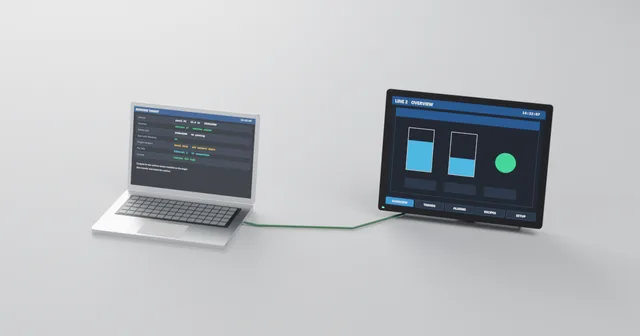
The new WinCC flexible build runs perfectly in the simulator and does nothing on the MP377, while the previous project backup still works on the same panel. That comparison is the diagnosis: the panel, its runtime and its connection are healthy, and the regression is inside the edits between the two revisions. Restore the working backup as your baseline, record exactly where the new build fails, confirm the target and runtime combination, then bisect the saved revisions one transfer at a time until the first failing change is isolated. Sixteen revisions take at most four transfers.
Why does the simulator pass while the MP377 fails? #
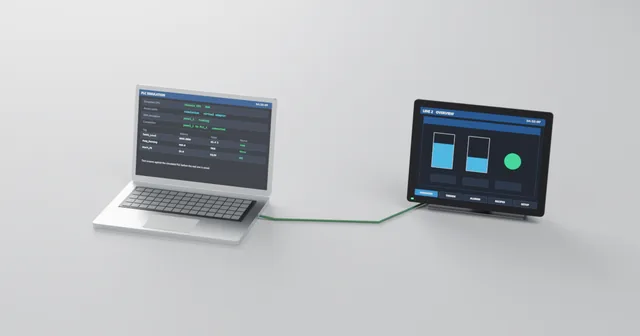
The simulator executes the project in a PC environment, so a passing simulation proves the logic you exercised there and nothing about the panel's installed runtime, the transferred build, or the physical screen. Everything it proves is true for the engineering computer: project logic, rendered and clicked with a mouse. It does not exercise the panel runtime that executes the transferred build, the transfer channel, the touch layer, or the controller connection. A regression that only the target exposes therefore produces exactly this signature: clean simulation, dead panel.
The same gap explains related symptoms. It is why HMI simulation buttons do not change PLC tags unless the simulator is deliberately wired to a controller, and testing HMI simulation against a live PLC is a separate setup with its own connection steps and limits.
What makes the last working project backup your baseline? #
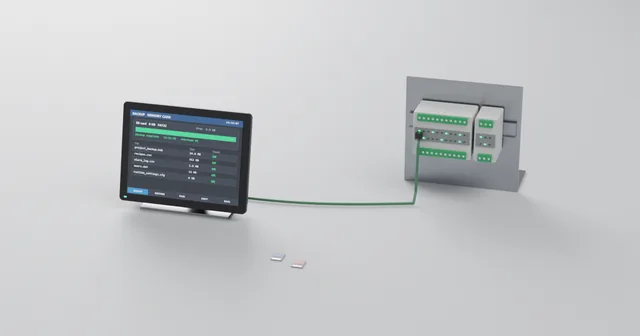
The last project backup that ran correctly on the MP377 is your baseline, because it has already operated on the target hardware; the simulator has not, so restore that backup first and confirm the panel behaves before touching anything else. A baseline is a saved configuration with a demonstrated operating result, and the working backup is the only artifact here that has one. Keep three things separate from now on:
- the working backup, untouched;
- the failing revision, preserved exactly as it failed;
- every test revision, saved as its own file.
Repeated saves over one project file destroy the intermediate states and with them the whole comparison. Keep the editable engineering archive distinct from a panel restore image as well, because a PSB backup restores a device instead of opening as source, as covered in why a PSB backup cannot run in WinCC flexible PC runtime.
Transfer the working backup with your established transfer method under controlled machine conditions and confirm the previously working functions operate. That one test proves the panel and its runtime are healthy, the most valuable fact you will collect all day.
How do you record the failure instead of "nothing works"? #
Replace the report that nothing works with one observable failure boundary, written down before any edit: whether the panel starts the project at all, shows the start screen, changes screens, reacts to touch, updates controller values, and executes commands. Work down this list on the failing revision and stop at the first no:
- Does the runtime start and load the project, or does the panel freeze on the startup screen? A frozen startup screen after a transfer is its own fault, with the recovery sequence covered in MP377 frozen startup screen recovery after an interrupted transfer.
- Does the configured start screen appear, with the revision marker described below visible?
- Does a screen-change button that uses no controller data navigate?
- Does touch register on a plain button in an open screen area, ruling out an invisible overlapping object?
- Do displayed process values follow the controller?
- Does an authorized command reach the controller, and does the feedback agree with the actual equipment state?
Record any diagnostic text the panel shows, verbatim, with the time. Each no points to a different subsystem and decides which section below applies. A function that depends on the logged-in user can pass in simulation and fail on the panel: HMI user management working in simulation but not on the panel is the same target-only class of condition.
Does the project still target the installed panel and runtime? #
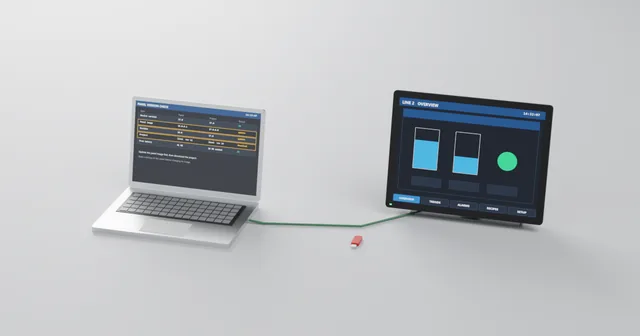
The answer comes from three recorded facts, never from the simulator: the device variant configured in the engineering tool, the WinCC flexible version and update level on the engineering PC, and the software version the panel itself reports. Compare the configured target device against the identification of the physical panel, then check the engineering software against Siemens' documented requirements for the installed release. Read every message produced during generation and transfer: errors block the transfer, and warnings get judged by their effect on the affected screen, object, tag or connection rather than dismissed because the simulation looked fine.
If the combination is documented as compatible, record it and move on: the regression is in the edits. An update recommendation without a named fault is not a diagnosis; the update itself is handled as a controlled compatibility change in a later section.
How do you prove which revision the panel is running? #
Prove it with one distinctive detail from the transferred revision, such as a version string or a marker object placed on the start screen, because a completed transfer message alone does not confirm which build the runtime started. Generate the complete project and resolve every error before transferring; an incomplete build separates the editor's contents from what the operator sees. Transfer to the confirmed destination without interruption, since an interrupted transfer can leave the panel frozen at startup.
Put a revision marker on the start screen of every test revision, for example a small text field reading rev 12, and read it back on the panel after each transfer. When the marker matches the revision you built, the test is valid; when it does not, you are testing the wrong build and the result means nothing.
How many transfers does bisection through the edits take? #
With sixteen revisions between the working backup and the failing build, halving the range 16 → 8 → 4 → 2 → 1 takes at most four panel transfers instead of sixteen, and each transfer is one build, one download, one test. The procedure:
- Number the saved revisions in order, from the working backup to the failing build.
- Transfer the revision in the middle of the open range. A pass puts the regression in the upper half; a fail puts it in the lower half.
- Halve and repeat until one revision remains; that revision carries the first failing change.
Each transfer halves the candidate range, so N revisions need the base-2 logarithm of N, rounded up: the sequence 16 → 8 → 4 → 2 → 1 is four halvings, and thirty-two revisions would take five transfers. Bisection assumes a single monotonic regression: once a revision fails, every later revision fails too. Run the test transfers on a bench panel or with the machine in a safe state, because a suspect revision can issue unintended commands to the equipment.
When is the controller connection the real cause? #
When navigation and buttons that use only internal tags work while displayed values freeze or commands never reach the controller, the screens are fine and the connection or tag configuration changed between the two revisions. A screen can look dead when external tags stop updating, yet a communication fault never explains an inactive navigation button that uses internal values only. Split the failing functions into those driven by internal HMI values and those requiring controller data, then compare the failing revision's connection configuration and affected tag definitions against the working backup. Inspect the communication diagnostics the runtime offers and the quality of the affected tags.
Do not change network addresses or controller settings merely because a screen edit preceded the failure. If the backup communicated this morning over the same cable, the physical path is proven. Confirm with two tests: a navigation action that needs no controller data, and a known changing controller value compared against its display.
When should you update the panel software? #
Only after the compatibility check names the required combination: the Siemens support entry Operating System Update with WinCC flexible documents the procedure for these panels, so follow that document for the exact image and transfer order instead of updating first and diagnosing second. That entry, numbered 19701610, uses the MP 377 Touch as its example for resetting an operator panel to factory settings over Ethernet, a step the update can involve.
Before updating, preserve the working project archive and a recoverable panel configuration. After updating, the acceptance test is fixed: the working backup must run on the panel exactly as it did before. An update is a change to be verified, never the explanation of a failure nobody has bounded.
Which decision closes each case? #
Four boundaries, four decisions: bisect the edits when the backup runs and the versions match, treat the panel when the backup also fails, recover the transfer when startup freezes, and compare the connection configuration when only controller values are dead.
- Working backup runs, target and runtime documented compatible: the regression is in the edits. Bisect the saved revisions, fix the first failing change, and re-verify on the panel, never in simulation alone.
- Working backup also fails with nothing else changed: the fault has moved onto the panel or its software. Record the three version facts and take the documented update path.
- Panel frozen on the startup screen after a transfer: recover from the interrupted transfer first; every other check is meaningless until the runtime starts.
- Navigation and internal functions alive, controller values dead: compare the connection and tag definitions between the two revisions before touching the network.
Questions asked
What happens if two separate edits each introduced a fault?
Bisection still works, one fault at a time. It assumes a single monotonic regression, so with two faults it converges on the earlier one; fix that change, confirm the fix on the panel, then run a second bisection over the remaining range to find the later one. Two independent faults cost roughly twice the transfers, still far fewer than testing every revision.
Should you still run each revision in the simulator during the bisection?
Yes, as a cheap pre-filter with one rule: a revision that fails in simulation is rejected without a transfer, while a revision that passes earns a transfer, not acceptance. This removes pure logic errors from the panel queue and keeps the transfers reserved for faults only the target can show. The pass in simulation is never the test result.
What do you collect before contacting Siemens support?
The engineering tool version with its update level, the configured target device, the software version the panel reports, the exact diagnostic text and transfer messages, and the preserved archive of the failing revision. State up front that the previous backup runs on the same panel: that one sentence tells support the hardware is healthy and the regression sits in the project, which shortens the whole exchange.
Can you bisect if every edit was saved over the same project file?
No, because the intermediate revisions no longer exist, so there is nothing to halve. Rebuild forward instead: start from the working backup, re-apply one logical change at a time into separate saved files, and test each on the panel. The first revision that fails carries the change, and you lose only the rebuild time, not the diagnosis.