How-to
Running a V17 PLC project with WinCC Unified V18 HMI
Short answer
Yes: keep the validated PLC program in its TIA Portal V17 Update 6 project and engineer the HMI in a separate V18 project. Export the PLC proxy data, import it into the V18 project as a proxy device, and refresh that proxy data after every relevant PLC change. A Unified panel may also run a newer image than the version configured in engineering.
On this page
Yes — a PLC project kept on TIA Portal V17 Update 6 can feed a WinCC Unified HMI running V18 Update 3. Put the two in separate TIA Portal projects: export the PLC proxy data from the V17 project, import it into the V18 HMI project as a proxy device, and build the HMI connection on that proxy. Optimized data blocks and symbolic tags survive the proxy, so the HMI keeps addressing tags by name. On a Unified panel the V18 runtime arrives inside the panel image. The split adds one standing obligation: after every relevant change in the V17 PLC project, refresh the proxy data in the V18 project, or the HMI works from an outdated picture of the PLC tags.
Why one project cannot hold both versions #
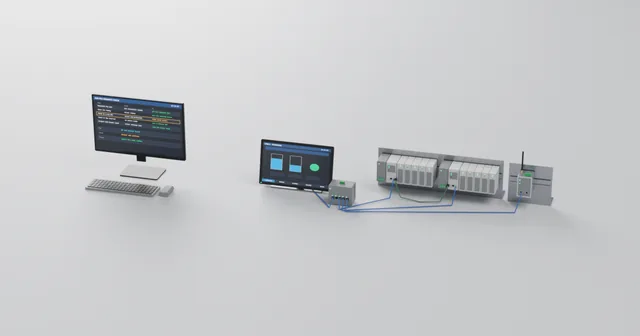
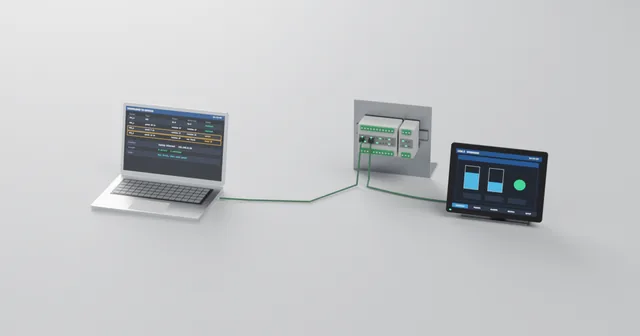
A TIA Portal project is engineered in a single version. A PLC project that must stay on V17 and an HMI project that needs V18 therefore cannot share one station tree, and pulling the whole system up to V18 would drag the validated PLC program into a version it has never been tested on. The supported answer is two projects joined by inter-project engineering. The V17 project exports a description of the PLC as proxy data, and the V18 project imports that data as a proxy device. From the HMI side the proxy behaves like a PLC in the same project: you create a normal HMI connection to it and use its tags. The real CPU never moves — only its exported description does.
What each version actually is #
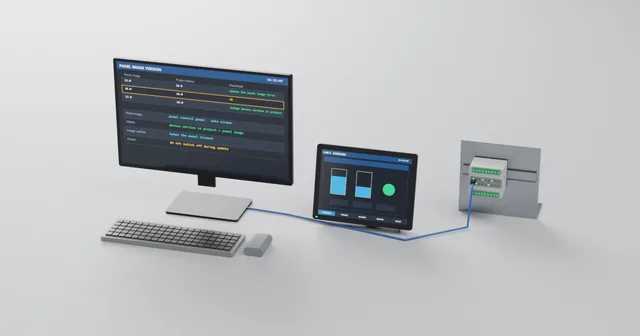
Keep three version numbers apart. The PLC engineering version is the TIA Portal version of the PLC project, V17 here. The HMI engineering version is the version of the V18 HMI project. The panel image version is what actually runs: on a Unified panel the HMI runtime is built into the image, it cannot be updated on its own, and loading a new image also moves the panel's Industrial OS version.
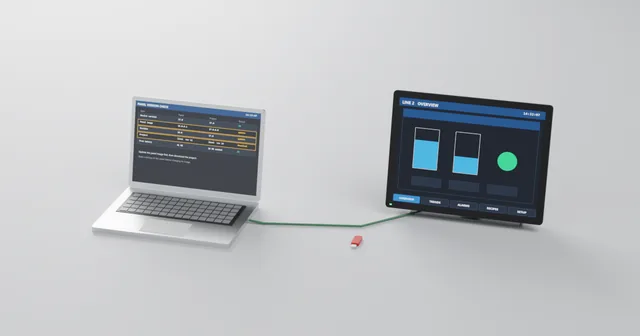
A panel may run a newer image than the version configured for it in the project, so the panel can be ahead of what the HMI project was configured against. The difference between the device version a project expects and the OS image on the panel is laid out in Device version vs panel OS image on Unified Comfort Panels; before touching the image, confirm what the panel actually runs using the steps in How to verify the HMI project version running on a panel.
If the operator station is a PC, WinCC Unified PC Runtime installs as ordinary Windows software, so its version is independent of any panel image. V18 PC Runtime can run against V17 Unified engineering; confirm that exact pair in the vendor's compatibility tool before deployment. If such a runtime refuses to open its PLC connection after a version change, the causes are worked through in Why WinCC Unified PC Runtime fails to open its PLC connection.
Connecting a V18 HMI project to a V17 PLC #
- Leave the PLC project on V17. Program, hardware configuration and validated logic stay untouched; nothing in that project is migrated.
- Export the PLC proxy data. In the V17 project, generate the proxy data TIA Portal uses to exchange devices between projects; it travels as an IPE file, the same route the documentation gives for updating a device proxy later.
- Import the proxy data in the V18 HMI project as a proxy device. The proxy stands in for the V17 PLC inside the V18 project.
- Create the HMI connection against the proxy device. Configure it as you would a PLC in the same project; at runtime the panel or PC still talks to the real CPU over the network.
- Address the tags symbolically. Optimized data blocks and symbolic access work through a proxy connection, so you do not fall back to absolute addressing, and a data block whose layout changes later does not silently break the mapping.
- Compile, download and verify. Download the HMI project, then check on the unit which runtime version actually started before signing the station off.
Refreshing the proxy after a PLC change #
Every relevant change in the V17 project — a new tag, a renamed tag, a changed data block interface — makes the imported proxy stale. The V18 project keeps the old representation until you regenerate the proxy data and update the proxy device with the new IPE file. Make the refresh a fixed step in the change procedure: change in V17, export, update the proxy in V18, recompile the HMI, download. Skip that order and the HMI compiles against tags that no longer match the CPU.
Worked example: a tested V17 Update 6 PLC with a V18 Update 3 panel #
Inputs:
- PLC project: TIA Portal V17 Update 6, already machine-tested — the reader's own case.
- HMI target: WinCC Unified V18 Update 3, chosen because that release fixes bugs that matter at the operator station — the reader's own reason.
- Panel: one Unified Comfort panel still on a V17-era image — the typical case.
- Planned commissioning change: one new tag in an optimized data block — the typical change.
The rule in words: one TIA Portal project carries one engineering version, so the PLC and the HMI split into a V17 project and a V18 project linked by exported proxy data; the panel runtime changes only with the image, and the image may be newer than the configured version.
The arithmetic:
- Engineering versions in service: V17 Update 6 plus V18 gives 2, so the system needs 2 projects and 1 proxy link between them.
- Proxy exports: 1 to establish the link plus 1 for the planned tag addition gives 2; after go-live the standing cost is 1 refresh for every interface-affecting PLC change.
- Panel: 1 image load takes the panel from a V17-era image to V18 Update 3, and that single load moves 2 components together — the HMI runtime and the Industrial OS — because the runtime cannot be updated separately.
- PLC revalidation: the engineering version before and after is V17 Update 6, so machine-program retests required: 0; testing narrows to the HMI screens and the connection.
Result: the PLC project stays exactly as validated, the operator station gains the V18 runtime, and the only recurring work is the proxy refresh.
Decision: split the projects this way whenever pulling the PLC project forward would force a machine retest that cannot be scheduled now; refresh the proxy before the first HMI compile after any PLC interface change; merge into a single V18 project only once the machine program can be retested.
Split now or upgrade everything #
Split with a proxy when the HMI needs a newer runtime than the PLC engineering version and the validated program cannot be retested yet. Upgrade the whole system to V18 when a machine retest fits the schedule: one project, one version, no proxy to maintain. Budget that retest honestly, because a TIA version move touches more than the logic — even a communication instruction can change version, as in the MB_CLIENT version change after a TIA Portal V16 migration. A machine program that has moved to a new engineering version runs production only after it has been retested on the machine.
If the HMI project version is not changing at all and only the panel needs the newer runtime, skip the proxy entirely: load the target image with TIA Portal or the standalone transfer tool ProSave, and a site that has to hold two image versions at once is covered in Unified Comfort Panel image updates when two versions are needed.
Questions asked
What symptoms show that the proxy data is stale?
The V18 project works from the proxy's old picture of the PLC: tags added or renamed in the PLC do not resolve, and existing tags can display default or frozen values while the compile still passes, which is worse than a clean error. Unexplained wrong values right after a PLC change point at the proxy first; refresh it and recompile before you debug the screens.
Does the V18 project ever change the PLC program?
No. The proxy device is an imported description of the V17 PLC, not a doorway into that project. Program, hardware configuration and validated logic stay in the V17 project, and every PLC download continues to come from that project. The V18 project holds only the HMI side plus the exported proxy data.
Is the proxy split a rare workaround?
No, it is normal practice. Proxy connections between two TIA Portal projects support optimized data blocks and symbolic tag access, so the HMI keeps addressing by name, and the method is used in day-to-day projects wherever PLC and HMI engineering versions must diverge. The entire maintenance burden is the proxy refresh after every relevant PLC change.
Can the panel stay on an image older than V18?
Plan on an image at the version the V18 project expects or newer, in the worked case V18 Update 3 or later. The documented rule covers a newer image over the configured version; it does not promise that an older image will accept the newer project. The image load also updates the Industrial OS in the same step, so bring the panel forward first and confirm the running versions afterwards.