Comparison
WinCC Unified or PCS neo: what the difference decides
Short answer
WinCC Unified is an HMI/SCADA visualization layer you connect to controllers you have already chosen; PCS neo is a complete process control system that includes the control level and its engineering. Decide by what the purchase must deliver — supervisory visualization or a whole process system — before comparing HTML5 faceplates or performance, because similar screens prove presentation only.
On this page
- Two purchases at two levels of the hierarchy
- The comparison that decides
- Where the overlap misleads
- Sizing the migration window: 4 to 6 weeks against your shutdown plan
- For a plant already on PCS 7
- Prove it on a bench, not on the plant
- Which will be more common in 2 to 3 years
- The decision for each case
- Questions asked
WinCC Unified and PCS neo are different classes of product, and that difference decides the purchase before any performance number does. WinCC Unified is an HMI/SCADA system: you buy it to visualize and supervise a controller architecture you have already chosen. PCS neo is a process control system: you buy it to engineer and operate the process itself, controllers included. The similar browser-based faceplates are a presentation convention, not evidence of interchangeable scope. Work the sections below in order — scope, comparison, migration timing, bench proof — and the choice falls out of the first step.
Two purchases at two levels of the hierarchy #
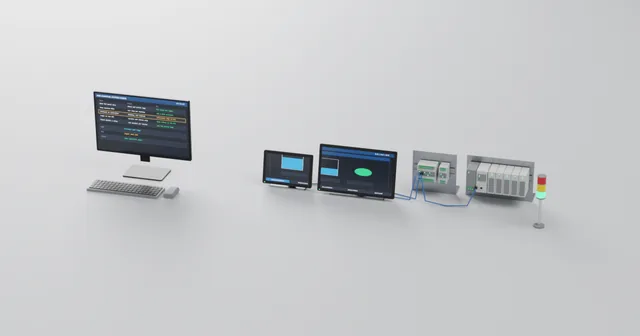
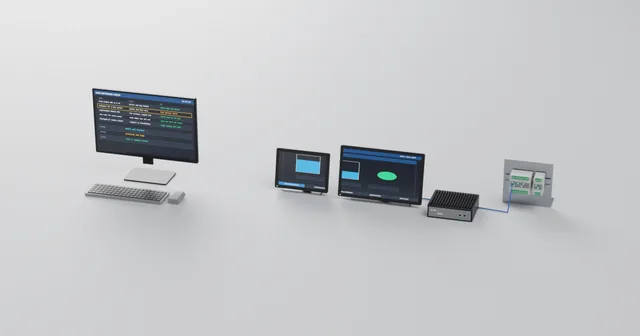
The IEC 62264 (ISA-95) functional hierarchy puts basic control at level 1 — the controllers that execute the logic — and monitoring and supervisory control at level 2, where HMI and SCADA live. WinCC Unified is a level 2 system: its runtime serves operator screens, alarms and supervision, and it executes no process logic of its own. PCS neo spans both levels as one engineered system. Its vendor describes it as a web-based process control system for global collaboration in engineering and operations, and its toolset includes a Concept & Design Tool for designing the process control system architecture and a Plant and User Documentation Manager. For the background on the supervisory half of this pairing, see what WinCC does in an HMI and SCADA system.
The consequence is the supplier's delivery boundary. Buy WinCC Unified and the delivery is visualization connected to your controllers; the logic stays in hardware and software you already own. Buy PCS neo and the delivery is the process control system itself — architecture design, control engineering and operation — as one scope.
The comparison that decides #
Answer the first row honestly and the rest follows.
| Selection question | WinCC Unified | PCS neo |
|---|---|---|
| What you are purchasing | An HMI/SCADA visualization system | A process control system |
| Where the control logic runs | In controllers you already own, outside this purchase | Inside the engineered system scope |
| What the supplier delivers | Screens, alarms and supervision connected to your controllers | The process control system, from architecture design to operation |
| What a demonstration must prove | The operator interface and its integration with your controllers | Process-control engineering and operation across the system boundary |
| What a similar faceplate proves | A presentation concept | The same presentation concept, and nothing about scope |
Write the five responsibilities into the project scope — controller logic, operator interface, engineering workflow, alarm handling, historical data — and give each a named owner. If all five land inside one supplier's delivery, you are procuring a process control system. If the controllers stay yours and only the operator layer is open, you are procuring visualization, and PCS neo is not a candidate however good its screens look.
Where the overlap misleads #
Both systems sit behind a browser, and that is where the confusion starts. PCS neo is described by its vendor as web-based, and the WinCC Unified PC Runtime is documented as reachable from several modern browsers on desktop and mobile platforms. A browser is a presentation client: it tells you nothing about where control logic executes, which component owns a process value, or which system accepts an operator command. Those are decided by the architecture behind the browser.
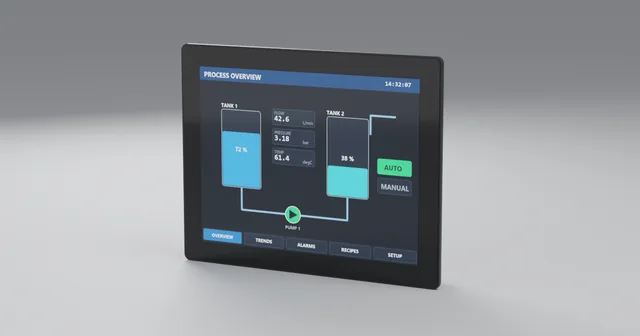
Faceplates mislead the same way. A faceplate is a reusable display component bound to a device or process function, and two that look identical can differ in data binding, command handling, alarm integration and maintenance ownership. The similar faceplates you noticed are a shared presentation concept — evidence of neither an equivalent engineering workflow nor an equivalent plant scope. Judge a faceplate by its complete interaction, not by the arrangement of its symbols.
Sizing the migration window: 4 to 6 weeks against your shutdown plan #
One firm number on the PCS neo side concerns migration, and working it through disciplines the schedule before anything is ordered.
Inputs #
- Documented span: the vendor's migration offering for outdated DCS to PCS 7/PCS neo describes implementing the migration during normal maintenance shutdowns, within 4 to 6 weeks (the migration service description).
- Example planning input from the plant's maintenance calendar: 2 weeks of access at each normal maintenance shutdown — substitute your own figure.
- Constant: 7 calendar days per week.
The rule in words #
The implementation span does not shrink; only its placement across shutdowns changes. The number of shutdown windows needed is the span divided by the access each window grants, rounded up. A one-window cutover needs a single window at least as long as the span's minimum.
Arithmetic #
- Minimum span: 4 weeks × 7 days per week = 28 calendar days.
- Maximum span: 6 weeks × 7 days per week = 42 calendar days.
- With 14 days of access per window: 28 ÷ 14 = 2 windows at the minimum; 42 ÷ 14 = 3 windows at the top of the range.
Result and decision #
Plan the migration across 2 to 3 normal maintenance shutdowns, and tell production the end-to-end span runs 28 to 42 calendar days. Decision: a single shutdown window offering less than 28 days of access rules out a one-window cutover, so schedule at least two windows; if the windows available this cycle total less than the minimum span, the migration waits for extra outage time instead of being squeezed. Before committing dates, replace the documented span with the figure from the migration study of your installed system.
For a plant already on PCS 7 #
Your case is the third one, not the first two: PCS 7 installed and running, with Unified projects in development. Treat the installed system as the baseline and ask which layer is actually being replaced. If the control layer is sound and the goal is browser-based visualization, keep the baseline and take whatever visualization route the compatibility documentation lists for your installed release — replacing the control system to gain a web client buys far more scope than the problem needs. For how operator-station architecture is handled across a live PCS 7 environment, see sharing one WinCC operator system across PCS 7 and turbine control.
Prove it on a bench, not on the plant #
Whatever the paper comparison says, the proof is a small bench with verified test tags: one system image, one client, the equipment types that matter to your plant. Cover normal operation, equipment unavailable, a rejected command and a communication interruption. Trace one value from controller to display with its engineering units, and confirm that lost communication shows as invalid rather than as fresh data — the failure mode behind why an HMI can show nothing while the PLC still runs. Repeat with a user who lacks command authority; permitted monitoring must keep working. Run every fault case on this bench — never interrupt communication on running production equipment to test graphics.
For performance, define the quantity before the number: screen-opening time measures navigation, value-update latency measures the change-to-display delay, and command-feedback latency measures request to result. Compare the two systems only under equivalent screen content, client hardware and communication load, with acceptance limits written before the test — the same method as how to prove a PC-based HMI before replacing panel terminals. Record hardware, software releases, network and workload so another engineer can reproduce the run.
Which will be more common in 2 to 3 years #
The wrong question for the purchase and a fair question for staffing. The two systems do not compete for the same order — one is bought with the controllers, the other without them — so no forecast changes which one your project needs. What a forecast does change is where you send engineers for training, because process-system skills and visualization skills diverge, and a site running a process area beside PLC lines needs both. Judge the release you will actually install by its documented function list: what an HTML5 HMI runtime lacks in its first release is settled version by version, not by market trajectory.
The decision for each case #
- Controllers already chosen — a machine line or cell on PLCs you own: the purchase is visualization, and WinCC Unified is the candidate of the two. Do not buy a process control system to solve an HMI problem. When the whole job is browser screens over open protocols, a custom HTML5 visualization integrated over OPC UA and Modbus can be the entire project.
- Buying or replacing the control system of a process plant, or migrating an outdated DCS: the purchase is a process control system, and PCS neo is the procurement. Schedule it with the shutdown arithmetic above.
- Existing PCS 7, control sound, web visualization wanted: keep the baseline and take the route the compatibility documentation lists for your releases.
- Both on one site: normal and correct — process system in the process area, HMI/SCADA on the PLC lines — provided every controller, screen, alarm and historian responsibility has one named owner.
Questions asked
Which browsers can open the WinCC Unified PC Runtime?
Siemens documents several modern browsers on Windows, Android, iOS and macOS for accessing the WinCC Unified PC Runtime. Check the support entry for the release you install before standardizing operator devices, because the supported list belongs to the runtime version, not just to the product name. PCS neo is web-based too, but its supported-client list is a separate document.
Can screens built in one system be reused in the other later?
Assume nothing carries over. A matching look is a presentation convention, not a shared engineering format, so budget re-engineering of displays, alarms and tag mapping for any later move between the systems. Treat any claimed reuse as something to prove on a bench copy before it appears in a project schedule.
Is moving a PCS 7 plant to PCS neo an upgrade?
Treat it as a migration project, not an in-place upgrade. The vendor's migration offering implements the move during normal maintenance shutdowns, and nothing in that description promises that engineering objects, controller configurations or displays carry over unchanged. Base the schedule on a migration study of the installed system and on the compatibility documentation for both releases.
Do you need WinCC Unified if you buy PCS neo?
Not for the process system's own operation: PCS neo is offered for engineering and operations, so operating the process sits inside its scope. A separate visualization purchase earns its place only for a separate job, for example machine-level lines with their own PLCs outside the process system. Count operator stations by the job each one must do before adding either system.